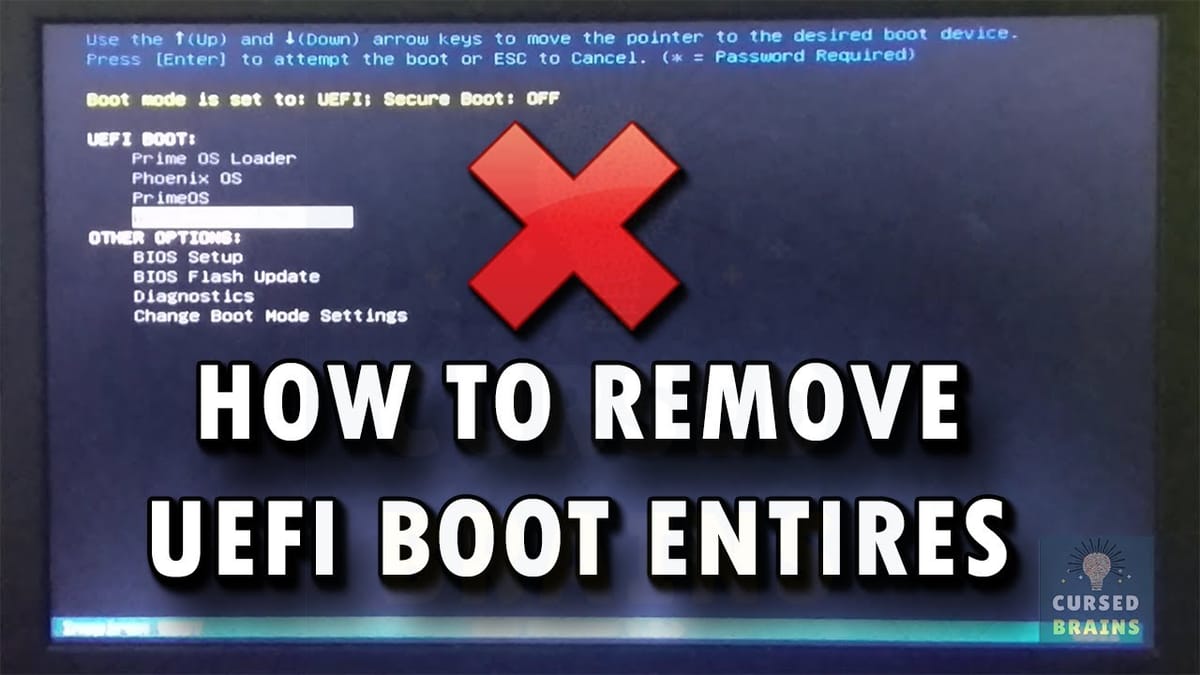
Hi folks, with UEFI if you've installed say some Linux versions and you don't want them any more, you might still see these boot entries at booting if you go into your BIOS boot menu.
Easy way to fix these i.e remove them
- Go into command mode (run as administrator)
- type,
bcdedit /enum firmware ## (space between enum and firmware)
- Now you'll see a list.
- To delete entries you don't want, just type
bcdedit /delete identifier, where the identifier is shown in your list. Include the braces { }
bcdedit /delete {5670fc2d-99a7-11f0-82af-9ab4522a2acf}
Hola! You are in good shape! Cheers!